
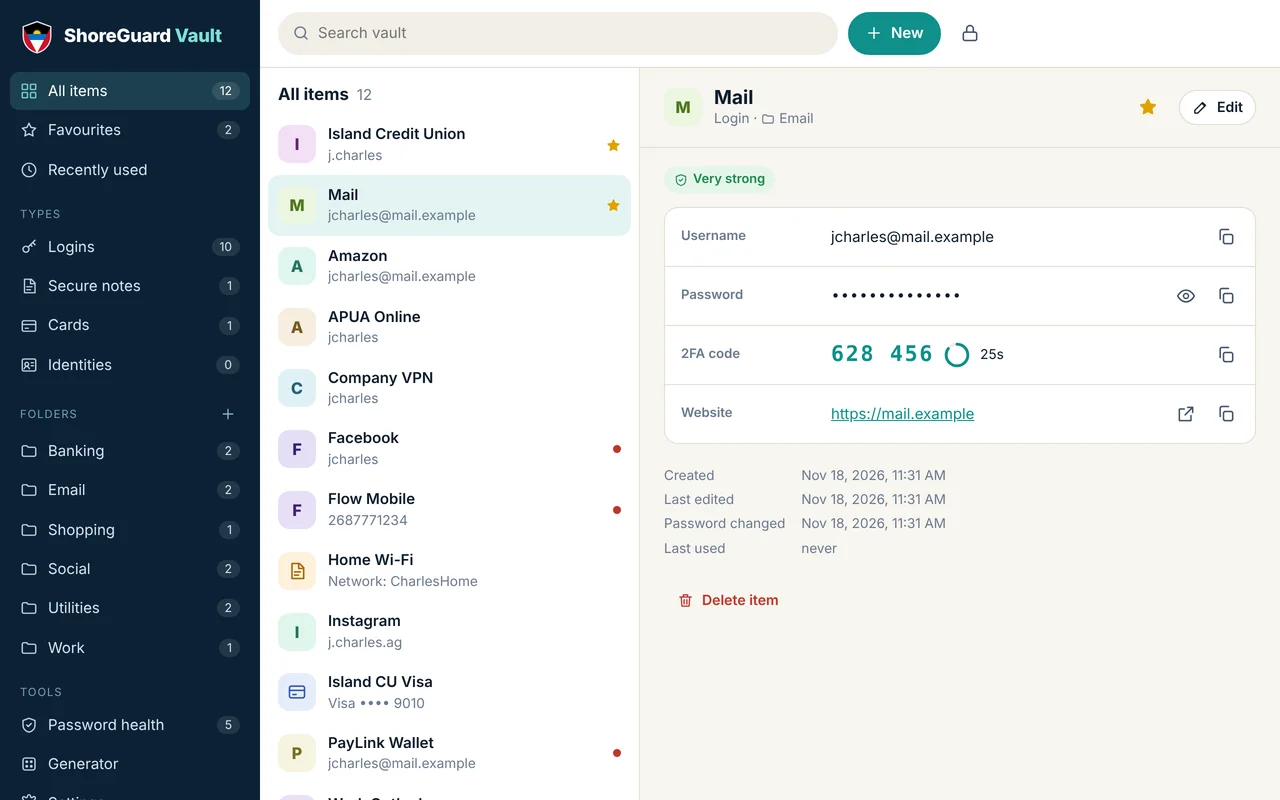
Passwords, cards, notes & IDs
Store logins, payment cards, secure notes and identity details. Add custom fields, file attachments, folders, tags and favourites.
Free password manager for Windows & Android
ShoreGuard Vault keeps your passwords, 2FA codes, cards and private notes in one encrypted vault that lives on your phone or PC — not on someone else's server. No account. No subscription. No tracking.
What you get
Store logins, payment cards, secure notes and identity details. Add custom fields, file attachments, folders, tags and favourites.
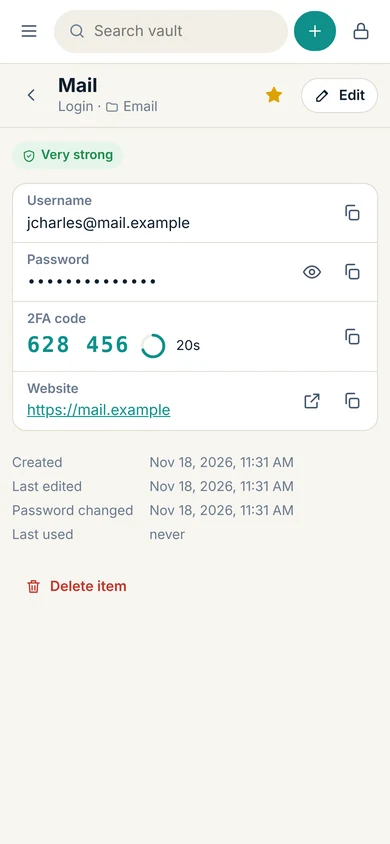
Scan a website's two-factor QR code and get your 6-digit codes right next to the password — no separate authenticator app needed.
Spots weak, reused and old passwords and shows you which to fix first, with a simple score out of 100.
Checks your passwords against billions of leaked passwords using Have I Been Pwned — without ever sending your password anywhere.
Unlock with your fingerprint, face or Windows Hello PIN. Your master password is still the only key that can open a backup.
Random passwords or easy-to-type passphrases like Mango-Tide-Lantern7-Reef, with look-alike characters removed.
Send your encrypted vault from your PC to your phone by scanning moving QR codes — no cable, no cloud, no internet.
Locks itself when you walk away or switch apps, clears copied passwords from the clipboard, and locks instantly with one tap.
Import from Chrome, Edge, Firefox, Safari, Bitwarden, 1Password, LastPass or KeePass in a couple of clicks.
Download an encrypted backup to OneDrive, a USB stick or your email. Reminders make sure you don't forget.
Set a reminder to rotate important passwords every 30, 60 or 90 days — handy for banking and work accounts.
Choose to wipe the vault from a device after too many wrong master passwords — useful if a phone is lost or stolen.
How it protects you
Most password managers keep your vault on their servers. ShoreGuard Vault doesn't have servers to keep it on. Everything is encrypted and decrypted right on your phone or PC, so there's no central database for criminals to break into.
Get the app
ShoreGuard Vault installs straight from your browser — no app store needed. It gets its own icon, opens in its own window and works offline.
Questions
Yes. There's no account, subscription or premium tier — just open it and create your vault.
Your vault is encrypted, so whoever has the device can't read it without your master password. To get your passwords back, restore your latest encrypted backup on a new device. That's why the app reminds you to make backups.
No — and that's deliberate. Nobody, including ShoreGuard, can open your vault without it. If you have a backup made with an older master password you remember, you can restore that. Otherwise the vault has to be erased and started fresh.
Use Settings → Send to another device to beam your encrypted vault across with QR codes, or import a backup file. Merging keeps the newest version of each item, so you can do this whenever you've made changes on one device.
Not yet. ShoreGuard Vault copies passwords and 2FA codes with one tap and clears them from the clipboard after a few seconds. Automatic filling would need a browser extension or a native app.
Yes. Your password is turned into a hash (a one-way fingerprint) on your device, and only the first 5 characters of that hash are sent to Have I Been Pwned. Their service returns hundreds of possible matches and the app checks them locally. Your password never leaves your device. The check only runs when you press the button.
Yes. For teams that need shared vaults, staff onboarding or help choosing and rolling out a password manager, talk to ShoreGuard.
Password managers are one piece. We also check whether criminals can send email as you, whether your website is protected, and whether look-alike domains are being registered.